

IT Support for Dental Practices in Fresno
A custom support mix shaped around your tools, team, and pace — remote-first for speed, with on-site support when it reduces clinical disruption.
Built for practices that can’t afford imaging delays, operatory downtime, or front-desk disruption during clinic hours.
Divine Logic is a Fresno-based managed IT and vCIO firm supporting small and mid-sized businesses across the Central Valley.
What dentists hire us for:
✔️ Choose only what you need
✔️ Works with or without in-house IT
✔️ Clear scope, easy to adjust
Dental IT support is specialized IT management designed around clinical workflows, imaging systems, and compliance requirements unique to dental practices. Get clarity on what Dental IT Services for Fresno Practices looks like.
In Fresno, Divine Logic provides dental-aware IT support that keeps Dentrix, OpenDental, Eaglesoft, Dexis, sensors, and imaging systems running smoothly—using a remote-first approach with on-site support when it reduces disruption to patient care.
~15 minutes • Clear next steps • No obligation
Across Multi-Location Dental Practices in the Central Valley
Many dental groups we support operate across multiple operatories or locations in Fresno, Clovis, and nearby Central Valley areas.
As practices expand, what matters isn’t just keeping one clinic running—it’s keeping imaging systems, software, and workflows consistent across every operatory and location.
That’s where structure becomes more important than proximity.
Estimate Your Dental Practice’s Cost of IT Downtime
Use our quick calculator to see how lost minutes translate into dollars—and how proactive IT changes the equation.
Reduce Your Downtime Costs
Add a backup system and proactive monitoring, and you reduce that number by 75–90%—ask us how we can protect your practice from costly IT disruptions.
What You Get With Dental IT Support That Just Works
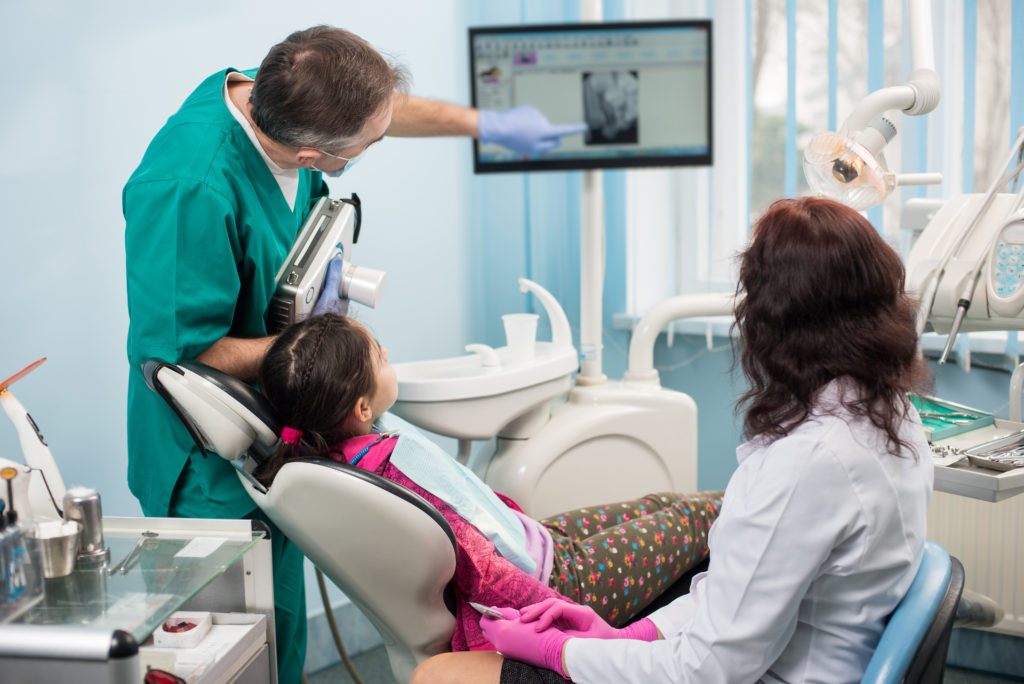
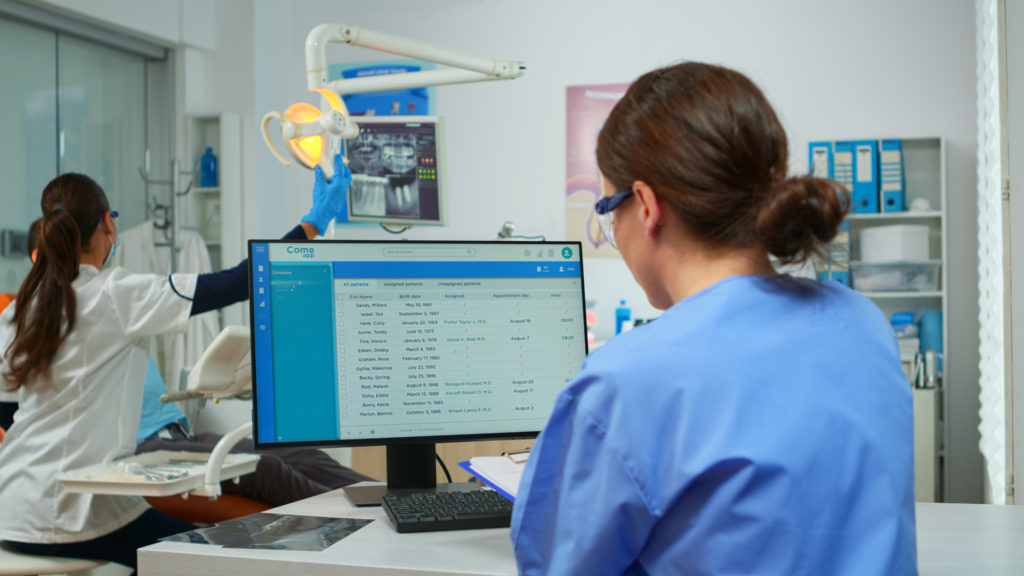
Dental IT support includes practice management software expertise, imaging system stability, device monitoring, security safeguards, and vendor coordination—designed to keep patient flow uninterrupted during clinic hours.




Ready to remove bottlenecks in your dental workflow?
Talk with an expert or request a quick environment review.
We triage requests quickly and set clear next steps. Most conversations and support occur during business hours, Monday to Friday, 8am to 5pm. Automated monitoring runs continuously.
Why Dental Practices in Fresno Choose Divine Logic
Fresno dental practices choose Divine Logic for practical IT guidance, dental-aware support, and clear communication.
Support is designed around clinic hours, patient flow, and imaging reliability—without rigid plans or unnecessary complexity. Explore A Dental Practice Adding Providers, & What We Prioritized
Need help now?
Dental practices can request a risk and readiness review or speak directly with a Fresno-based IT expert to identify practical next steps.
Most support happens Monday to Friday, 8am to 5pm. Remote first with on-site when useful.
Simple, Predictable IT for Dental Practices
A clear three-step path to reliable IT for Dentrix, Eaglesoft, OpenDental, imaging systems, and everyday dental workflows.
Schedule Your Free Dental IT Readiness Review
✅ Local team that understands dental workflows
✅ Practical HIPAA-aware safeguards and documentation guidance
✅ Clear next steps and a written quote for any project work
Difference between IT support and IT management
Already have a provider? Here’s how to switch IT providers safely
We triage requests during business hours, Monday to Friday, 8am to 5pm.
Remote first with on-site when it makes sense.
Book a Free Dental IT Readiness Review
A short, practical review for dental clinics. No pressure. We respond during business hours, Monday to Friday, 8am to 5pm.
After hours:
Leave a message at (559) 432-7770. We triage by severity and set expectations when we call back.
Start Your Readiness Review
A quick review of your dental IT setup, workflows, and priorities. No pressure, no commitments.
We use your info to reply and schedule. We do not sell personal data. Most requests are acknowledged the same business day, Monday through Friday, 8 to 5.
Related Services for Dental Clinics
These pages go deeper on the common support mixes we provide for Fresno dental offices, private practices, and local clinics. Calm, practical, vendor-neutral.
Vendor-neutral. Remote first, with on-site help when it’s the smarter move.
Dental IT FAQs
Straight answers about HIPAA, software support, pricing, and switching providers. No jargon, no hype. Local Fresno team.
Most requests are acknowledged quickly during business hours, Monday through Friday, 8am to 5pm. We set expectations up front. If you’re opening a new dental practice or taking over an existing one, check out this post: “Dental Practice IT Setup for Fresno Openings”
No pressure, a 30-minute review with clear next steps and a written quote.
Business hours Monday through Friday, 8am to 5pm.
Leave a message after hours for urgent callbacks.