
Home » IT Decision Guides » A Food Processing Operation Scaling Production — What We Prioritized

A Food Processing Operation Scaling Production, What We Prioritized

An anonymized decision debrief showing how we reduced operational risk by clarifying system dependencies before making changes.
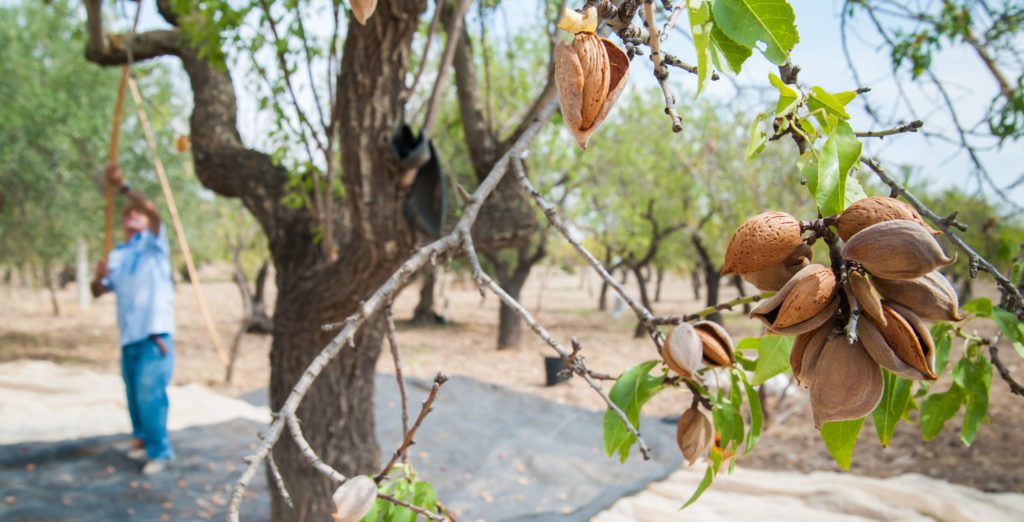
Almond Ag Food Processing IT Support - Divine Logic

Environment snapshot

A food processing facility expanding output and adding systems tied to production and compliance. IT and operational technology had grown side by side.

Primary risk

Operational systems were critical, but documentation and access controls lagged behind expansion.

What we fixed first

We mapped system dependencies, clarified who owned what, and stabilized monitoring around critical production systems.

The order of these decisions follows a consistent pattern. This page explains how we determine what to fix first and why that order reduces risk over time.

What we explicitly deferred

We did not redesign networks or replace OT systems.

Why that order mattered

In production environments, understanding dependencies reduces downtime more than architectural change.

This pattern appears in many environments where structural clarity determines stability more than new technology. See what makes an IT environment stable.

Close

The goal wasn’t optimization.
It was reducing surprise.

More anonymized decision debriefs:

✔️ Real Estate
✔️ Dental
✔️ Healthcare
✔️ Multi-site & franchises
✔️ Why Switching IT Providers Feels Risky (And How to Do It Safely)
✔️ Back to Decision Guides hub page ➝

Scroll to Top
Divine Logic Logo
Privacy Overview

Necessary technologies support website functions and remember your privacy choices.

Statistics controls Google Analytics storage. Google Consent Mode adjusts measurement to your selection; limited measurement requests may still occur when Statistics is disabled.

Marketing controls our Leadfeeder business visitor identification and Microsoft Clarity session analysis integrations, along with the third-party services assigned to this category.

Leadfeeder helps associate website activity with businesses. Clarity helps us understand how visitors interact with pages.

Use Reject All to disable optional categories, or select your preferences and Save Changes. Reopen Cookie Settings using the floating button whenever you want to change your choices.

Our Leadfeeder and Clarity integrations are configured to block loading when your browser sends a Global Privacy Control signal.

See our Privacy Policy and Cookie Policy for details.